

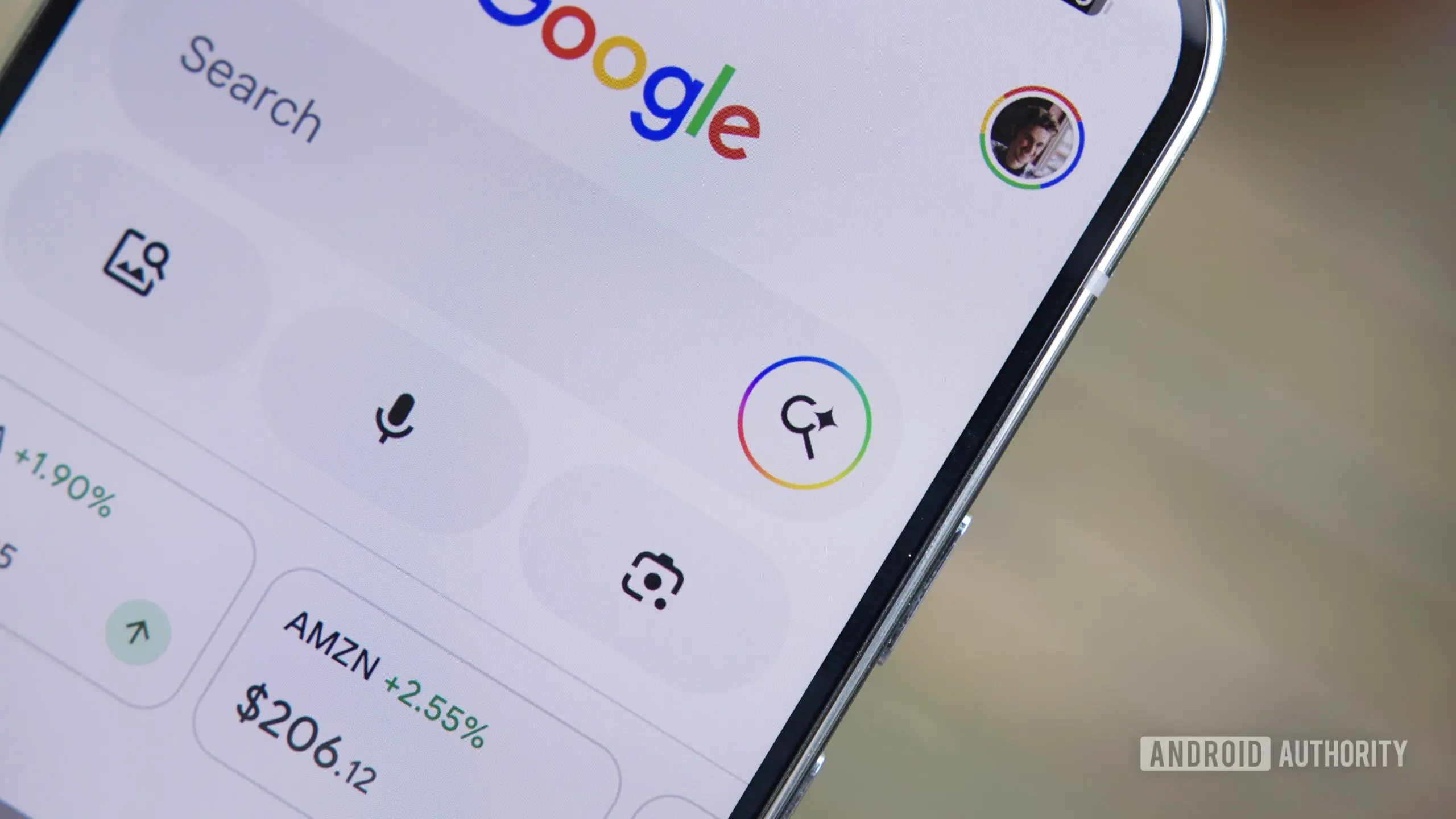
Have you ever tapped a link from a Google Search result, only to find yourself wanting to search for something else immediately after? If you're not using Chrome or another browser that opens links in new tabs, you've likely experienced the frustration of overwriting your original search. Google is addressing this pain point with a new feature rolling out to the Google app on Android: the 'Ask' button.
What is the Ask Button?
The Ask button appears in the custom tab window that opens when you tap a Google Search listing. When you press it, the webpage you are viewing is passed along as additional context to Google's AI Mode. This allows you to ask specific questions about the information on that page, rather than starting a completely new search from scratch. For example, if you are reading a product review and want to know its battery life in more detail, you can tap Ask and type that question, and the AI will consider the entire content of the page while generating an answer.
This feature goes beyond the existing 'Summarize page' capability found in Google's Gemini assistant. While Gemini can provide a summary, the Ask button lets you drill down into specific aspects of the content, interactively. It essentially turns any link you open into a live knowledge base for your follow-up queries.
How It Works
The Ask button is currently being tested in version 17.24.25 of the Google app for Android. Early reports indicate that after tapping a search result, a custom tab appears with the usual browser interface, plus a new 'Ask' button at the bottom or top of the screen. Selecting it opens AI Mode with the URL pre-attached as context. You can then type or voice your question. The AI returns an answer, and you can continue the conversation or return to the original webpage by tapping the down-arrow in the top-right corner.
This integration is seamless: you never lose your place in the original article. It is similar to how Chrome for Android already lets you attach open tabs to AI Mode queries. In Chrome, you tap the + icon in AI Mode to add a tab as context. Google is essentially bringing that same functionality to its main Search app, making it more accessible to users who rely on Google Search directly.
Expanding AI Mode Capabilities
Beyond web pages, Google is experimenting with attaching files from your device's local storage or from Google Drive directly into AI Mode. While these features are not yet live, code snippets discovered by tipsters reveal options for 'Files' and 'Drive' buttons within the AI Mode interface. This would allow users to upload a PDF, document, or spreadsheet and then ask questions about its contents — for instance, "What are the key findings in this report?" or "Summarize this contract."
Currently, AI Mode in Chrome already supports file attachments. The move to bring the same functionality to the Google app suggests that Google aims to make AI Mode a universal assistant that can work with any content source, not just search results. This aligns with the broader industry trend where AI assistants (like Microsoft Copilot and OpenAI’s ChatGPT) are increasingly integrating with file systems and cloud storage.
Background and Context
Google has been steadily adding AI features to its search engine over the past year. The launch of AI Overviews (formerly Search Generative Experience SGE) marked a significant shift from traditional blue links to AI-generated answers. AI Mode, which powers the Ask button, is a more interactive version of that, offering conversational follow-ups. It competes directly with Bing Chat (now Copilot) and Perplexity AI, both of which allow users to attach web pages or documents as context for queries.
The custom tab problem — losing your search context when opening a link — has been a long-standing user complaint. Many users resort to opening links in new tabs by long-pressing or using other browser tricks. The Ask button not only solves that but also encourages deeper engagement with content by providing an entry point for AI-powered dialogue. It turns a passive reading session into an interactive Q&A experience.
This development also fits into Google's strategy of embedding AI across its ecosystem. By allowing users to attach files and Drive docs, Google is blurring the lines between search, productivity, and personal assistant. The attachment features are especially relevant for professionals or students who need to analyze documents quickly without switching apps.
User Experience and Potential Impact
For everyday Android users, the Ask button could change how they interact with information. Instead of opening a page, reading, then searching again for a related term, they can simply ask a follow-up question in the same context. This reduces friction and saves time. It also encourages users to stay within Google's ecosystem, potentially increasing engagement with AI Mode and the Google app.
However, power users may still prefer Chrome's multi-tab approach for complex research. The Ask button is best suited for quick, directed questions. If a user wants to compare multiple sources, they might find the one-page context limiting. Google could in the future allow stacking multiple pages as context, similar to how Chrome supports multiple tabs.
Privacy-wise, attaching web pages and files means Google's AI will process that content. Google has stated that AI Mode queries are subject to its privacy policies, but users should be aware that the content they share becomes part of the query context. For sensitive documents, this may be a consideration. Google's ability to monetize these interactions also raises questions: richer context could lead to more personalized ads, though Google has not yet detailed advertising plans for AI Mode.
Competitive Landscape
Google is not alone in offering contextual AI search. Microsoft's Copilot in Bing already lets users add context from open tabs or uploaded files. Perplexity AI allows uploading files and even analyzing images. The difference is that Google's AI Mode is deeply integrated into its Search app, which already has a massive user base. By adding the Ask button and file attachments, Google is catching up to and potentially leapfrogging competitors in terms of ease of access — the feature is just one tap away from a search result, no need to open a separate app or browser.
Another competitor, Apple Intelligence, is also expected to offer similar contextual assistance within Safari and iOS, though its rollout is slower. Google's move now positions it well for the expected wave of AI-powered search assistants.
Availability and Rollout
As of now, the Ask button appears to be in early testing. Not all users of the Google app version 17.24.25 will see it; server-side flags are required. The file attachment features are even further behind, visible only in code. It is unclear when these features will be widely released. Historically, Google tests such features for weeks or months before a public rollout. Given the competitive pressure, a launch within the next few months is plausible.
For users who want to try it early, joining the Google app beta program or using Chrome's AI Mode (which already supports tab and file attachments) can provide a sneak peek. However, the seamless integration in the Google app is what makes the Ask button particularly appealing — it eliminates the need to manually copy URLs or switch between apps.
In summary, the Ask button represents a small but meaningful upgrade to the Google Search experience on Android. It solves a real user annoyance and opens the door to richer, more interactive search. Combined with upcoming file and Drive support, Google is clearly pushing towards a future where every piece of information you encounter can be instantly queried by AI. The boundaries between searching, reading, and asking are dissolving.
Source: Android Authority News